One-off payments are single, immediate transactions for standalone purchases. xMoney enables quick implementation through its hosted payment page.
To accept one-off payments using xMoney’s checkout page, you must include the parameter purchase in the request payload.
Example Payload
{
  "siteId": 1,
  "customer": {
    "identifier": "your-unique-customer-id",
    "email": "john.doe@myshop.com"
  },
  "order": {
    "orderId": "your-unique-order-id",
    "description": "Order #122",
    "type": "purchase", // indicates a one-off payment
    "amount": 110,
    "currency": "EUR"
  },
  "cardTransactionMode": "authAndCapture",
  "backUrl": "https://myshop.com/payment-back-url"
}
For detailed information about all available parameters, please refer to the Checkout Page documentation.
To initiate the checkout process, you must create an HTML form that redirects the customer. This form requires two crucial parameters: jsonRequest and checksum.
jsonRequest: The JSON payload (as shown in the previous example) must be base64 encoded and set as the value of this parameter.checksum: This parameter ensures the integrity of thejsonRequest.
Refer to the Checkout Page documentation for instructions on calculating both.
Example HTML Form
<!-- if using production env replace action with https://secure.xmoney.com -->
<form action="https://secure-stage.xmoney.com" method="POST" accept-charset="UTF-8">
  <input type="hidden" name="jsonRequest" value="${base64JsonRequest}">
  <input type="hidden" name="checksum" value="${base64Checksum}">

  <button type="submit">Pay Now</button>
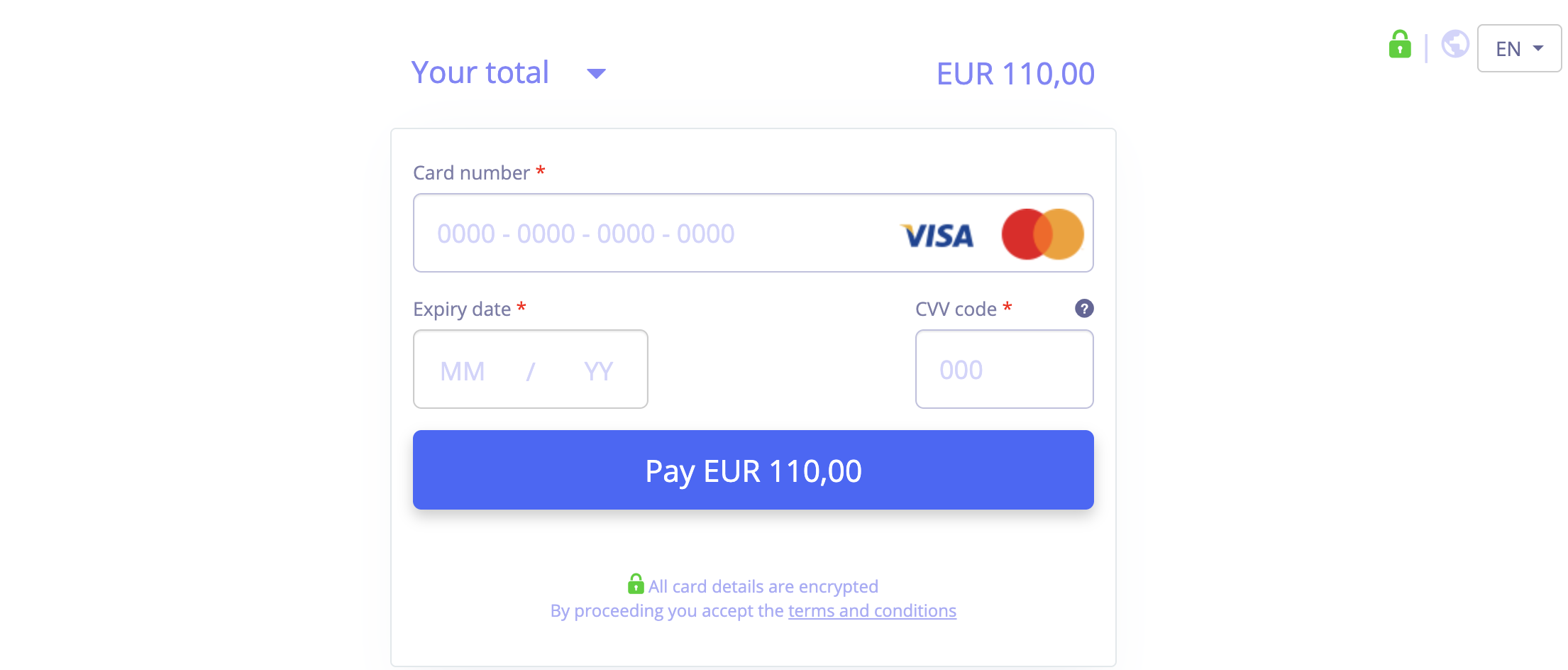
</form>Upon redirection, the customer will be presented with the xMoney hosted checkout page, as illustrated below, providing a clear and secure environment to complete their payment.
Upon payment completion, xMoney will send a notification. Decrypt the payload (see Webhooks) to access transaction details.
Example payload after decryption
{
  "transactionStatus": "complete-ok",
  "orderId": 1234,
  "externalOrderId": "your-unique-order-id",
  "transactionId": 1234,
  "transactionMethod": "card",
  "customerId": 1,
  "identifier": "your-unique-customer-id",
  "amount": 110,
  "currency": "EUR",
  "customData": {
    "key_1": "value_1",
    "key_2": "value_2"
  },
  "timestamp": 1600874501,
  "cardId": 3
}
The transactionStatus field determines the outcome of the payment.
complete-ok: Indicates a successful payment. Display a success page and initiate the order fulfillment process.complete-failed: Indicates a failed payment. Display a payment failed message and redirect the customer back to the payment page to retry the transaction.
- Secure Communication: Use HTTPS for all requests and responses.
- Real-time Updates: Implement Webhooks for reliable payment status updates, especially in case of browser interruptions.
- Data Integrity: Validate Signatures to prevent data tampering.
- User-Friendly Errors: Display clear messages for payment failures or declines.